Most musicians run their careers out of a phone notes app, a few group chats, an inbox and their memory. It works until it doesn’t: the melody you recorded at 3am that you can’t find, the booker’s email you forgot to answer, the low hum of knowing you’ve forgotten something.
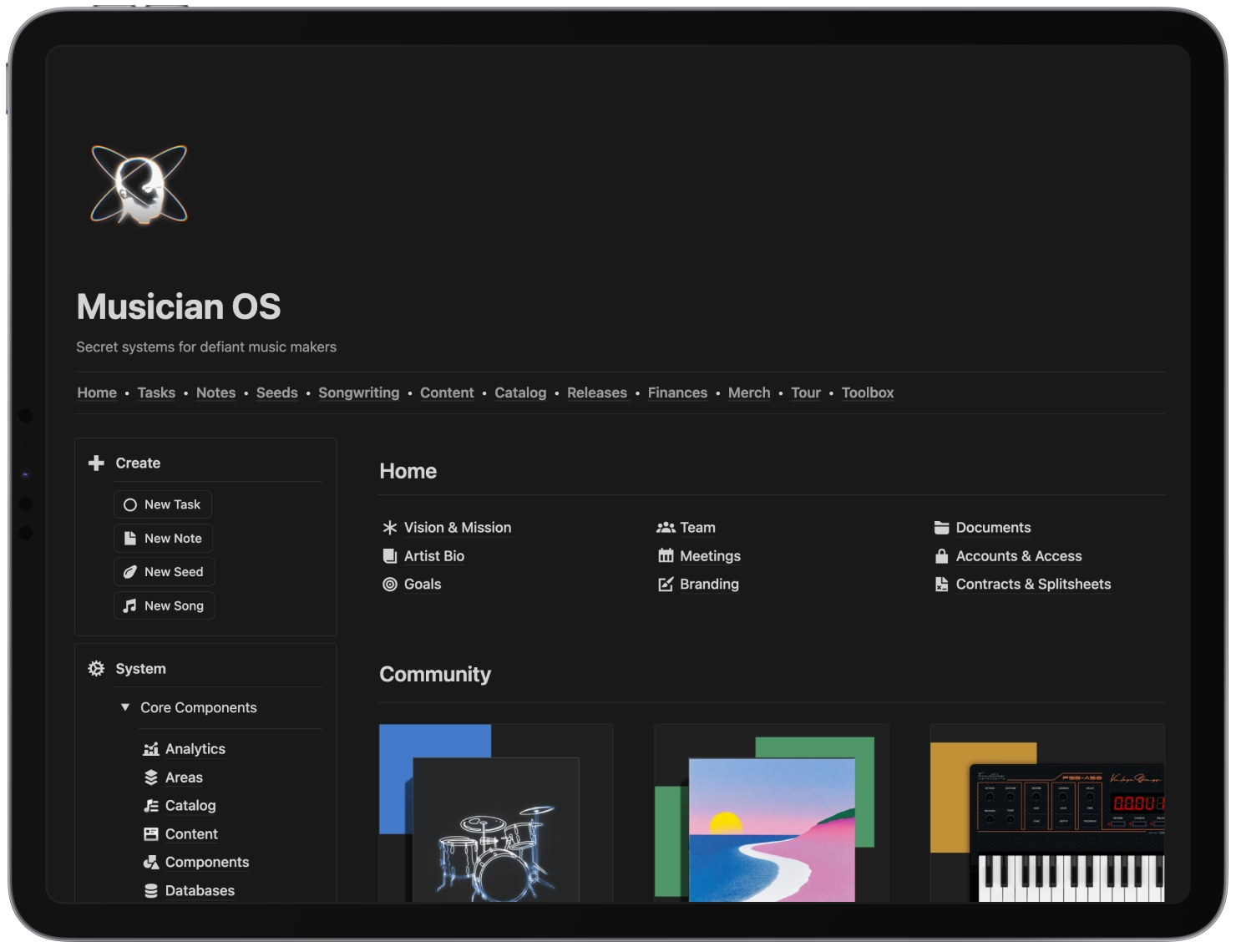
The fix isn’t discipline. It’s a home. This guide is about building one system where the whole career lives, so the parts connect and your head is free for the music. It’s the thinking behind Musician OS, and it works with or without it.
The cost of the scattered version
The scattered version feels free because it has no setup. It charges you later, in small amounts, constantly:
- Time spent looking for things you already made
- Opportunities missed because the follow-up lived in a thread you stopped reading
- Decisions made twice because the first one wasn’t written down
- The mental tax of holding a release, a tour and a rent payment in your head at once
None of these show up on a statement. All of them show up in how much music gets finished.
Why the systems you tried didn’t stick
If you’ve set up three productivity apps and abandoned all of them, the problem probably wasn’t you. Most systems fail for one of three reasons: they were built for an office job, they were built all at once, or they were never reviewed. Someone else’s structure, complete on day one, with no habit to keep it alive. It looks great for a fortnight.
A system for an artist has to fit the way the work arrives: ideas at odd hours, projects that overlap, seasons that swing from writing to touring to releasing. It has to start small. And it needs one recurring appointment with itself.
Three habits, before any tool
Capture everything, judge nothing
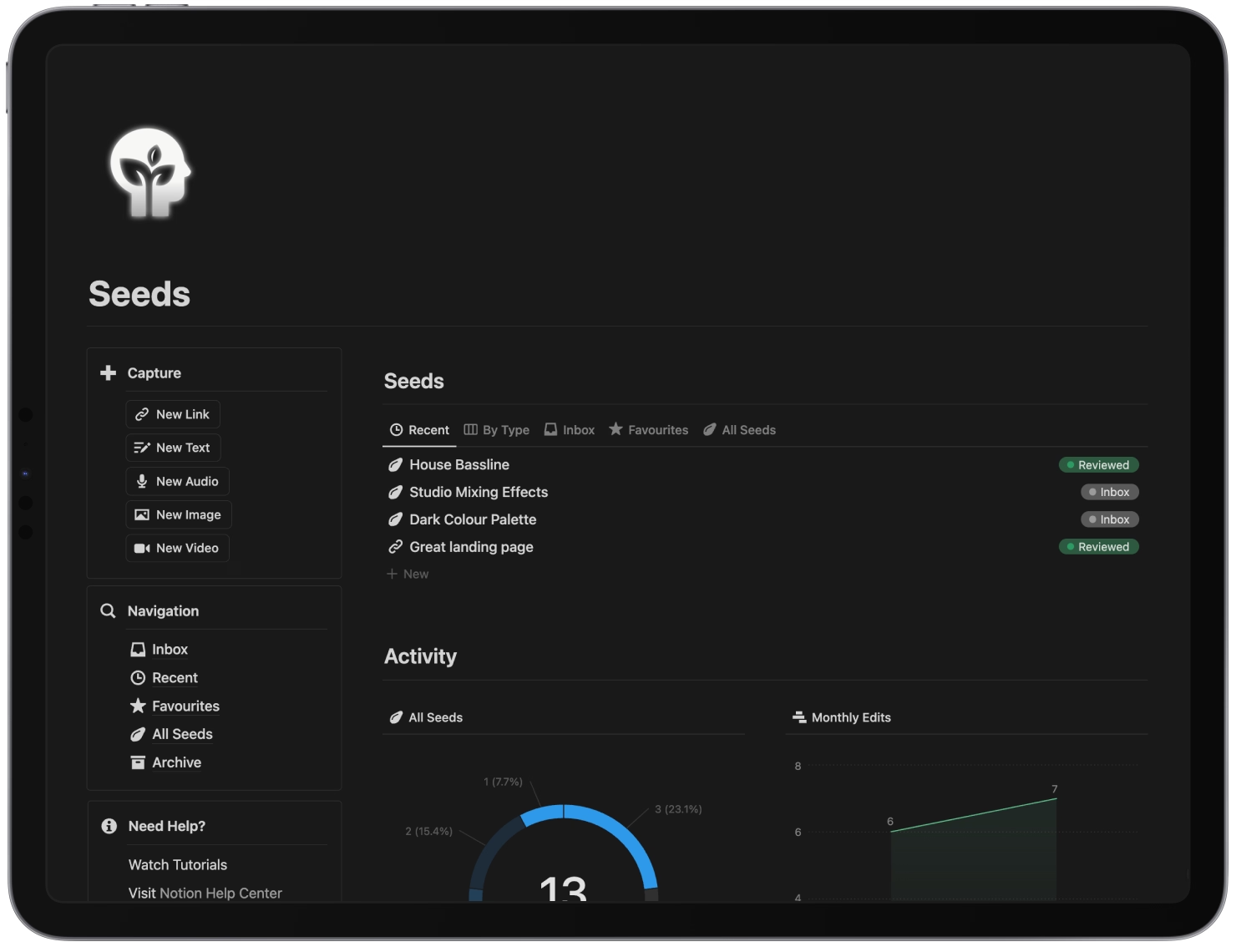
The first job of the system is to be there when the idea shows up. That means zero friction: a voice memo for the melody, a note for the lyric, a photo of the pedal settings, a task for the booker’s reply, all going somewhere you’ll find them again. It should be easier to capture an idea than to lose it.
Capture doesn’t sort. It just catches. The sorting happens later, in a batch, when you’re not mid-idea. This is the part of David Allen’s Getting Things Done that translates directly to creative work: an idea in a trusted place stops taking up space in your head.
Organise, but not much
The second habit is a light structure so captured things can be found. The temptation is to build a taxonomy. Resist it. Four buckets, borrowed from the PARA method, cover almost everything an artist deals with:
- Projects: things with an end. This release, this tour, this video.
- Areas: things that don’t end. Songwriting, content, finances, live.
- Resources: reference and inspiration. Session notes, gear settings, saved articles, that playlist of references.
- Archive: everything finished or dormant. Out of sight, still searchable.
Add a two-minute rule: if filing, replying or saving something takes under two minutes, do it now rather than capturing a task to do it later.
Review on a schedule
The third habit is the one that keeps the other two honest. A daily five minutes to pick today’s priorities. A weekly half hour to look at every open project and the fortnight ahead. A monthly hour on direction. A quarterly afternoon to change the system itself.
The weekly review is the one that matters. Skip it for a month and the system becomes a place where things go to be forgotten, which is exactly what it was meant to replace.
The components
With the habits in place, the system itself is a set of connected components. Not all of them on day one. These are the ones most careers end up needing:
- Tasks. One list, with dates and priorities, that every other component can raise tasks into. The 1-3-5 rule lives here.
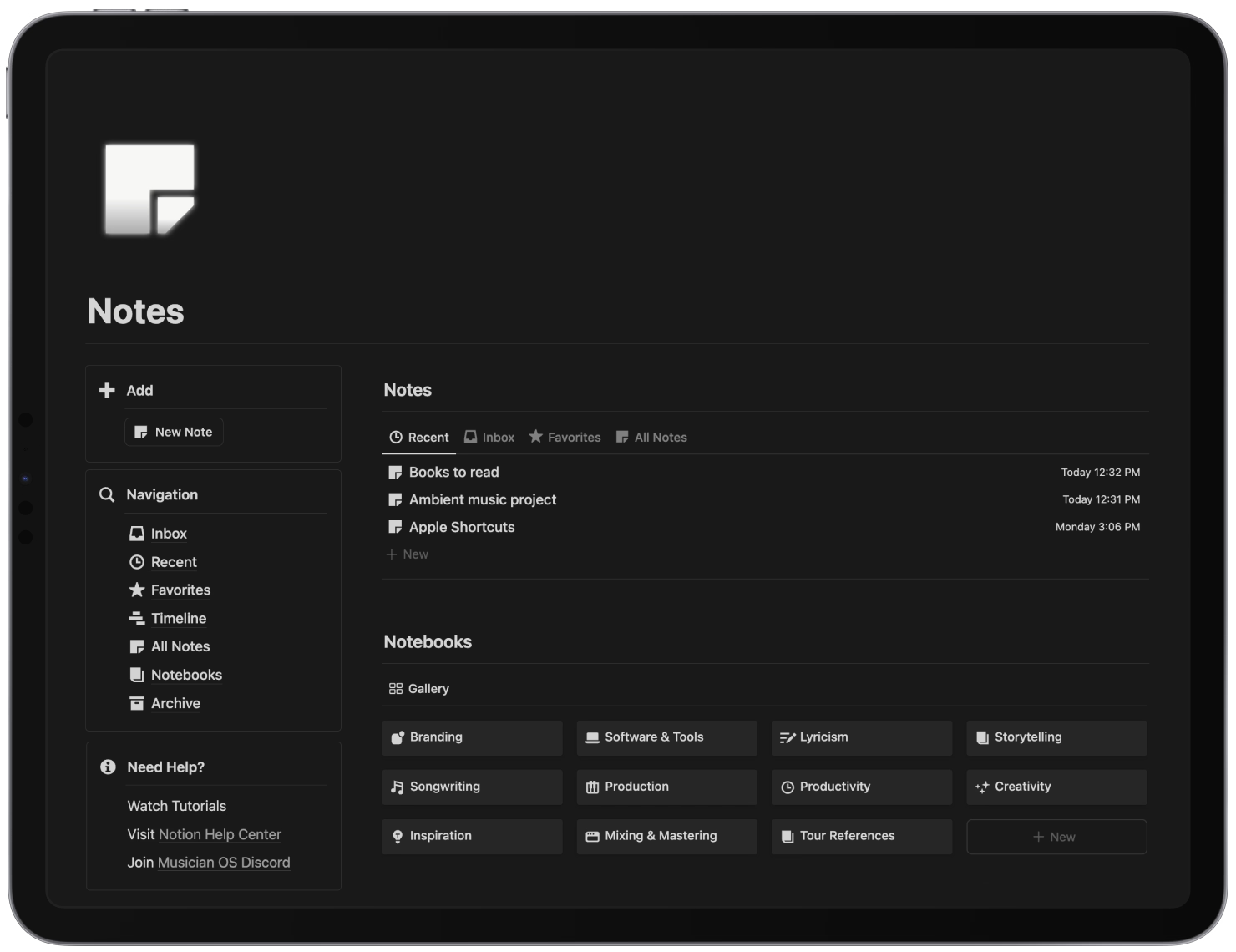
- Notes and ideas. Quick capture for the half-formed things, with templates for the kinds of note musicians actually take: lyrics, production notes, meeting minutes.
- Songwriting. Songs in progress, with their versions, lyrics and references, fed by the ideas above.
- Releases. Each release as a project with its phases, dates and tasks.
- Catalogue. Everything released: credits, splits, codes, registrations, royalties. The royalties guide explains why this one earns money.
- Content. The calendar, the formats, the results.
- Live. Shows and tours, with venue details, riders, budgets and settlements.
- Finances. Income and cost per project, so you know which release or tour actually paid.
The part that makes it an operating system
Any of those components on its own is a spreadsheet. What makes them a system is that they talk to each other. Confirm a show and it should appear in the live calendar, raise the advance and promo tasks, and open a budget line. Set a release date and the pre-release checklist should exist before you’ve thought about it. Finish a song and it should move from songwriting into the catalogue with its credits attached.
That connectedness is what a relational workspace like Notion does well, and it’s the reason the components belong in one place rather than in eight apps. It’s also the thing you can’t get from a notes app, however tidy it is.
Where it goes wrong
- Building all of it at once. A complete system with nothing in it is a museum. Start with the component you’ll use tomorrow.
- Falling in love with the tool. The habits are the system. The tool is where they happen.
- Waiting for perfect. A rough structure you use beats a beautiful one you don’t.
- Letting the review slip. The weekly half hour is not optional. Put it in the calendar like a rehearsal.
Starting this week
- Pick one place for capture and use it for everything for seven days. The free Notes and Seeds templates are a low-risk way to try the shape; a single note on your phone also works.
- Add one task list and move every outstanding thing into it, however long that takes.
- Book the weekly review for the same time every week.
- Add the next component only when the current ones feel normal. Releases and catalogue are usually next.
Musician OS is the built version of everything above, ten components already connected. It ships with more than most careers need on day one, deliberately, because archiving a component takes seconds and building a missing one takes the weekend before a release. But the system described here works in any tool, and the habits come first in every one of them.
Your creative mind deserves a proper home. It’s a lot smaller than you think.
Frequently asked questions
What is an artist's operating system?
It's a single system, usually a digital workspace, where every part of a music career is held: tasks, ideas and notes, songs in progress, releases, the catalogue, content, shows and money. The point is that nothing lives only in your head or in a scattered set of apps, and that the parts connect, so scheduling a show creates the tasks and the budget line that come with it.
What should a musician's productivity system include?
At minimum: one task list, one place to capture ideas, and one record of releases and the songs in them. Beyond that, most careers need a catalogue with credits and splits, a content calendar, a touring or gig record with the technical details per venue, and a finances view that shows what each release or tour actually made. Add components as the career needs them, not all at once.
How do I stop abandoning productivity systems?
Start with one component and one habit, usually capture. Keep the structure simple enough to describe in a sentence. Put a ten-minute weekly review in the calendar, because a system nobody reviews turns into a graveyard within a month. And stop looking for a perfect system: the one that works is the one you'll open on a bad day.
Is Notion good for running a music career?
For most independent artists, yes. It handles tasks, notes, databases and documents in one place, its databases can relate to each other so a release can link to its songs and its tasks, and it works on a phone at a gig. The main risk is over-building. Start from a template or a small structure and add only what you'll use.